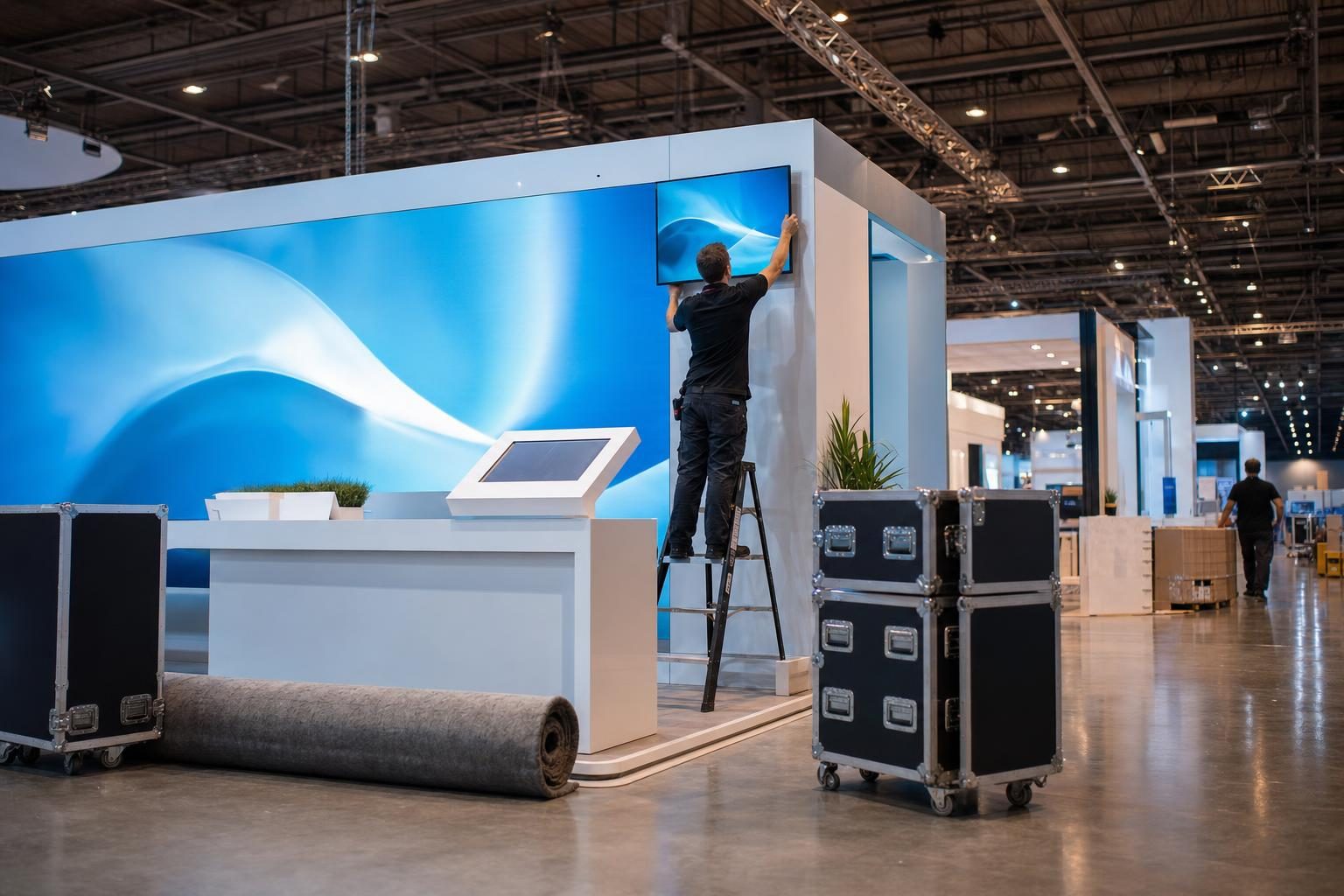
After two decades of walking the show floor at Music City Center, I can tell you exactly which booths stop a crowd and which ones fade into the carpet. The difference usually comes down to three things: a screen that is actually visible from the aisle, audio that does not bleed into the booth next door, and a plan that was made before the moving truck showed up.
What the venue provides
Music City Center is a modern facility with strong infrastructure, but that does not mean every booth gets what it needs. You will find power drops and internet access, but you are responsible for ordering them ahead of time. The in-house rigging points are excellent, but they require approved drawings and a licensed contractor for anything suspended. If you want a video wall, you rent it from an outside vendor like us, not from the hall.
What you should rent for a serious booth
The most common setup we deliver for trade show clients includes:
- A 55-inch or 65-inch display with a rolling stand, placed at eye level
- A small sound system with a wireless microphone for presentations every 20 minutes
- A media player with your looped brand video loaded and tested
- Cable ramps to keep the aisle safe
- A backup power strip and spare HDMI cables
If your booth is 20 by 20 or larger, you might also want a second screen facing the main aisle, a countertop display for one-on-one demos, and a taller speaker stand so audio clears the crowd.
Three mistakes I see every year
First, nobody thinks about audio bleed. A booth speaker cranked to eleven might draw a few curious people, but it also annoys your neighbors and the show organizer will walk by with a clipboard. Keep it conversational and directional.
Second, the screen goes to sleep. Trade show days are long, so set your media player to loop and disable any sleep timers. Our crew always tests the auto loop before doors open.
Third, power is not where you think. The floor plan from the show kit may show a floor box under your carpet, but that does not mean it is active. Order enough power and test every outlet with a meter before you start plugging in your gear.
A great booth is not the one with the most screens. It is the one where every screen works, every voice is clear, and the exhibitor looks calm.
A simple pre-show checklist
Send these details to your AV vendor two weeks before load-in:
- Booth number and hall
- Exact booth dimensions
- Whether you need power ordering support
- The type of content you plan to show (HDMI, USB, streaming)
- How many presenters will use a microphone
- Load-in and load-out times
If you get all that to us early, we will have your gear staged, labeled, and ready when you arrive. That is the whole point. You should be worrying about leads, not lumens.