Every convention planner I talk to asks me some version of the same first question: how many screens do I need? It is a fair question, but it is the wrong place to start. A general session is a system. The screen is just the part everyone sees.
Here is what a general session and its breakout rooms really need in Nashville, based on 25 years of building them in hotel ballrooms and convention halls around town.
Start with the room, not the gear list
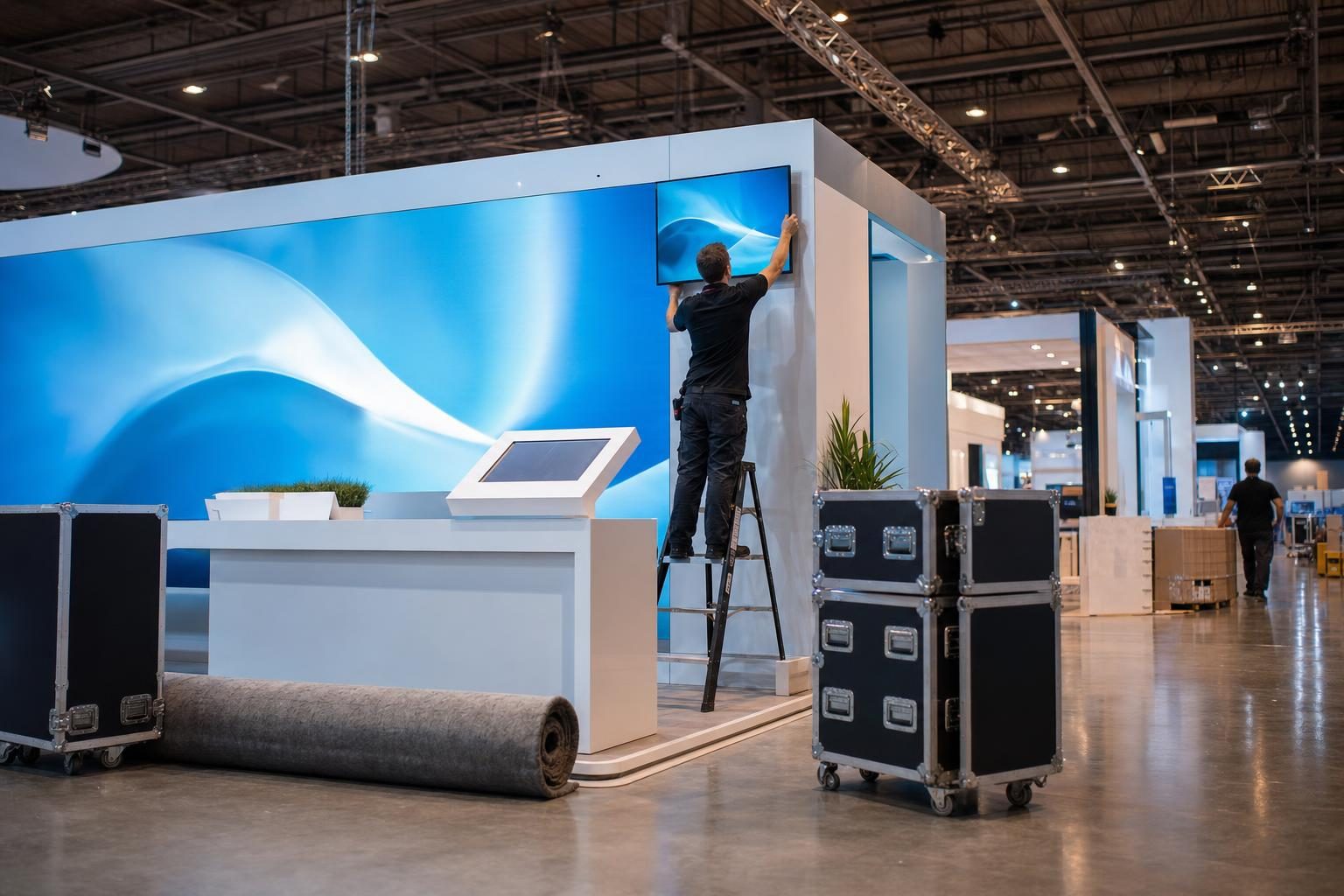
Before I quote anything, I want to know which room it is. A ballroom at the Renaissance, a hall at Music City Center and a meeting space at Gaylord Opryland all behave differently. Ceiling height, sightlines, power, and where the loading dock sits change what we bring and how long it takes to get it in.
That is why my crew walks the room before the show. We look at sightlines from the back row, where the power really is, how far the truck is from the door, and where the backups will live. Ten minutes of walking saves an hour of fixing.
Screens and projection
For a general session, the screens people picture are usually 12 and 16 foot. We pair them with projectors around 6,000 lumens, because hotel ballrooms are never as dark as the floor plan suggests. A common size on our trucks is a Da-Lite screen at 83 x 144 inches, which is about 7 by 12 feet.
Two things to keep in mind:
- Brightness matters more than the logo on the box. If your gear list names a brand we do not carry, we substitute an equivalent make and model. Planners care about size and brightness, not the name on the screen.
- Bigger is not always better. A tall screen in a low ceiling ends up hidden behind heads. The goal is that the person in the back row can read the smallest text on your slide.
Audio that reaches the back row
Audio is where events are won or lost. Nobody remembers great sound, but everybody remembers a mic that cut out.
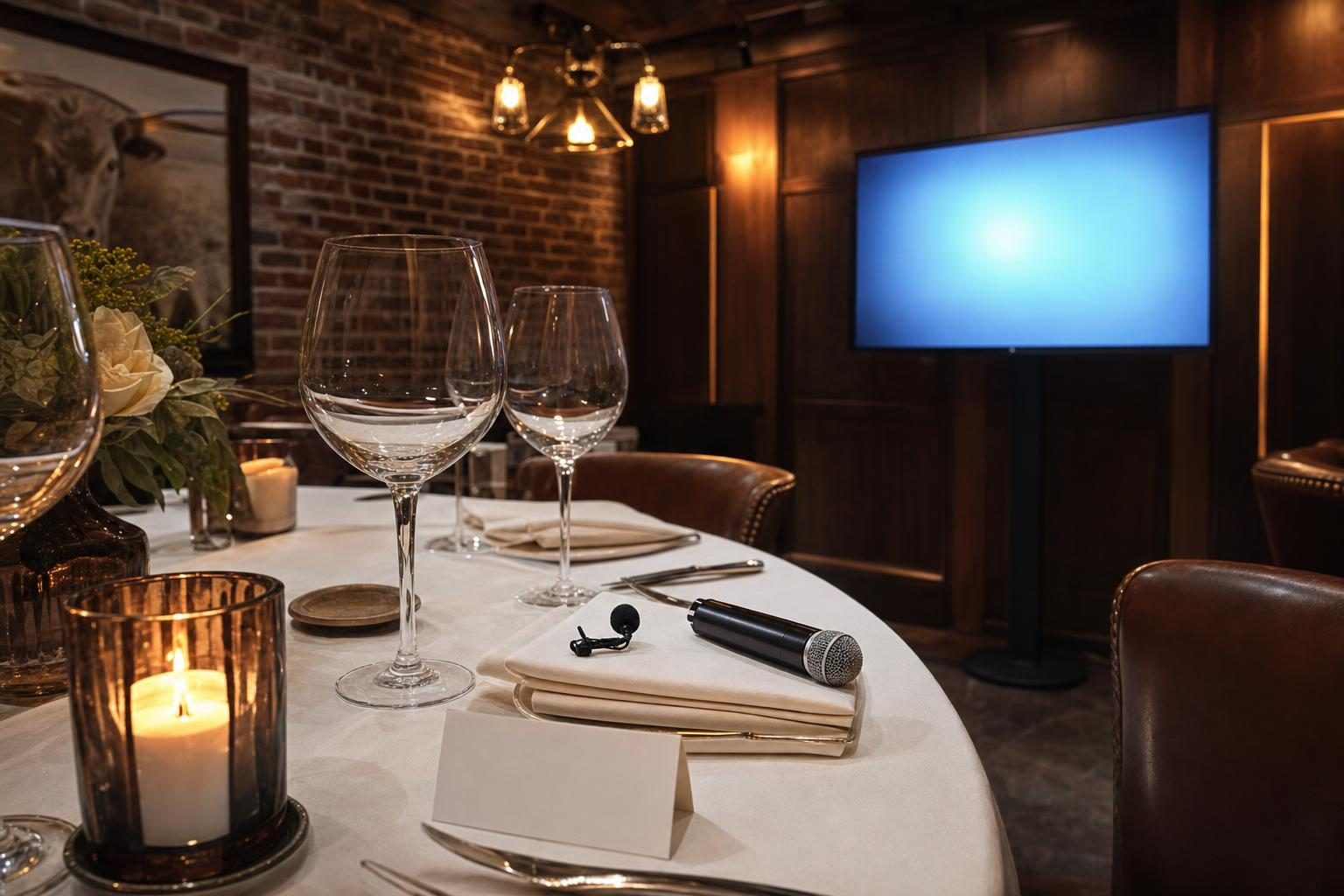
For a general session we usually run a six channel wireless mic package, with handhelds and lapel mics, feeding JBL speakers sized to the room. If the hotel opens an air wall to combine rooms, we handle room-combine audio so the sound stays even from one end to the other.
Every mic gets tested twice: once at the shop before it goes on the truck, and again in the room before doors. Nothing goes out that has not been tested, and gear with a history of problems stays home.
Switching, timers and confidence monitors
This is the part planners often forget to ask about, and it is what makes a session feel professional.
- Video switching. A switcher lets us move between presenter laptops, videos and cameras without a blank screen or an awkward pause between speakers.
- Speaker timers. A timer facing the stage keeps a packed agenda on schedule without someone waving at the speaker from the aisle.
- Confidence monitors. These let a speaker see the current slide and what is next without turning around to read the big screen.
- Recording and multi-camera. If you want the keynote captured, or a camera feeding the screens so the back rows can see the speaker's face, we plan for that up front.
- Show laptops. When you send your content ahead of time, we load it onto show laptops so presenters are not plugging in their own machines.
Breakout rooms are a smaller version of the same job
Breakouts are where plans quietly fall apart, because they tend to get less attention than the main stage. Each room still needs a display or a screen and projector, a mic that fits the speaker, a laptop, and someone who knows where to find all of it.
The rooms are smaller, but the standard should be the same. Attendees do not grade the main stage and the breakouts separately. They remember the whole conference.
The tech table at the back of the room
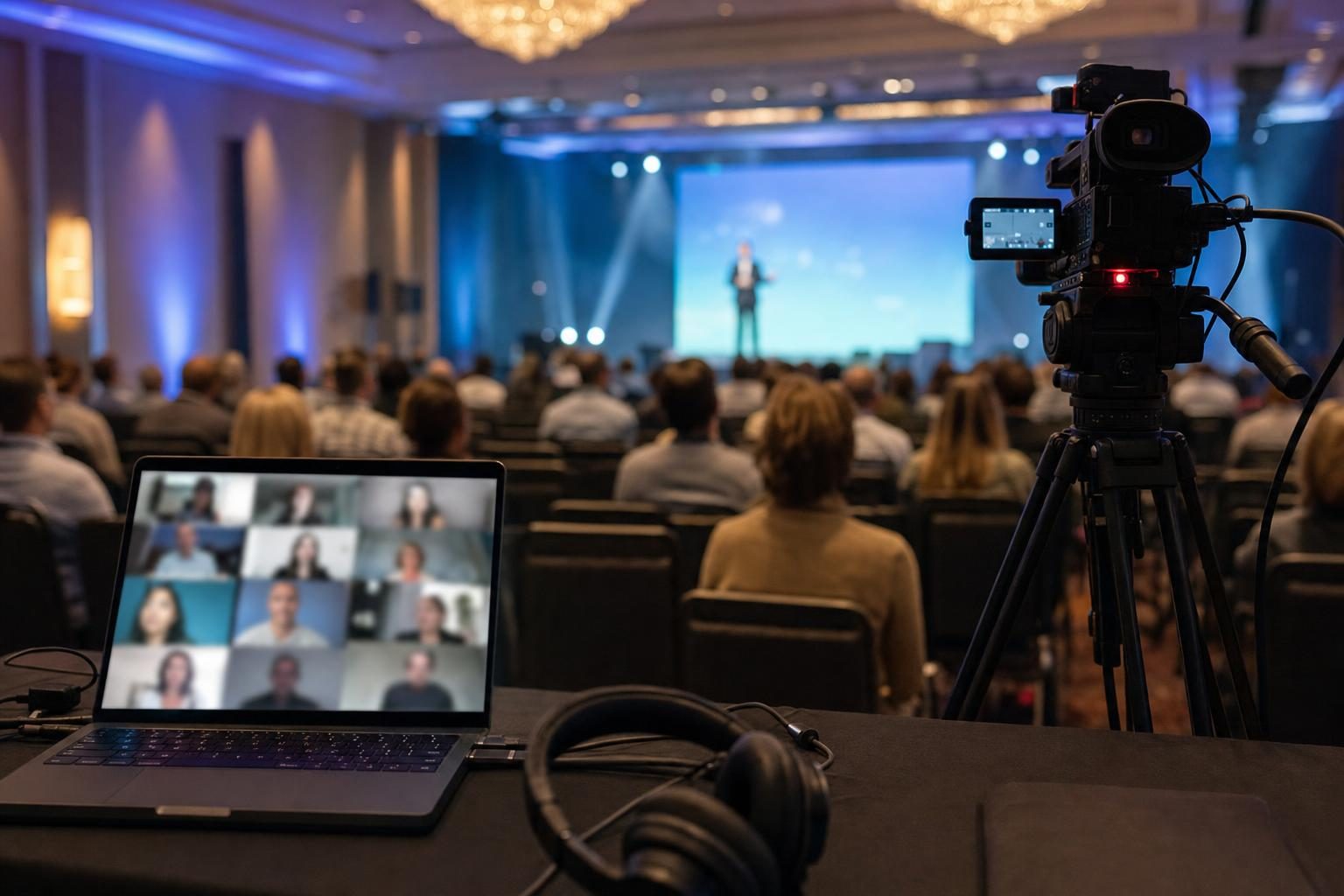
Every general session we run has a tech table at the back of the room. That is where the switcher, the audio mixer and an on-site producer live. If a laptop freezes, a mic needs a new battery or a speaker runs long, that person handles it before most people in the room notice.
Our crew delivers, sets up, supports the event on site, and tears down afterward. There is no service ticket and no phone tree. When it goes right, we are invisible, and that is the best compliment we get.
Customers have told us we match the venue's in-house AV quality at a much better rate. I will let you compare the quotes yourself.
What to send when you ask for a quote
You do not need a full run of show to start. These details get you an accurate quote:
- The venue and the exact room name
- Expected attendance for the general session and each breakout
- Number of speakers and the kind of mic each one needs (handheld, lapel, panel)
- Where your presentations and videos are coming from, and when we can get them
- Whether you want recording or a camera feed to the screens
- Load-in and load-out times, and which dock the truck uses
I quote every event myself, so you get a real answer from me instead of a form letter.
Request a Quote or call me at (615) 481-4887. I answer my own phone.