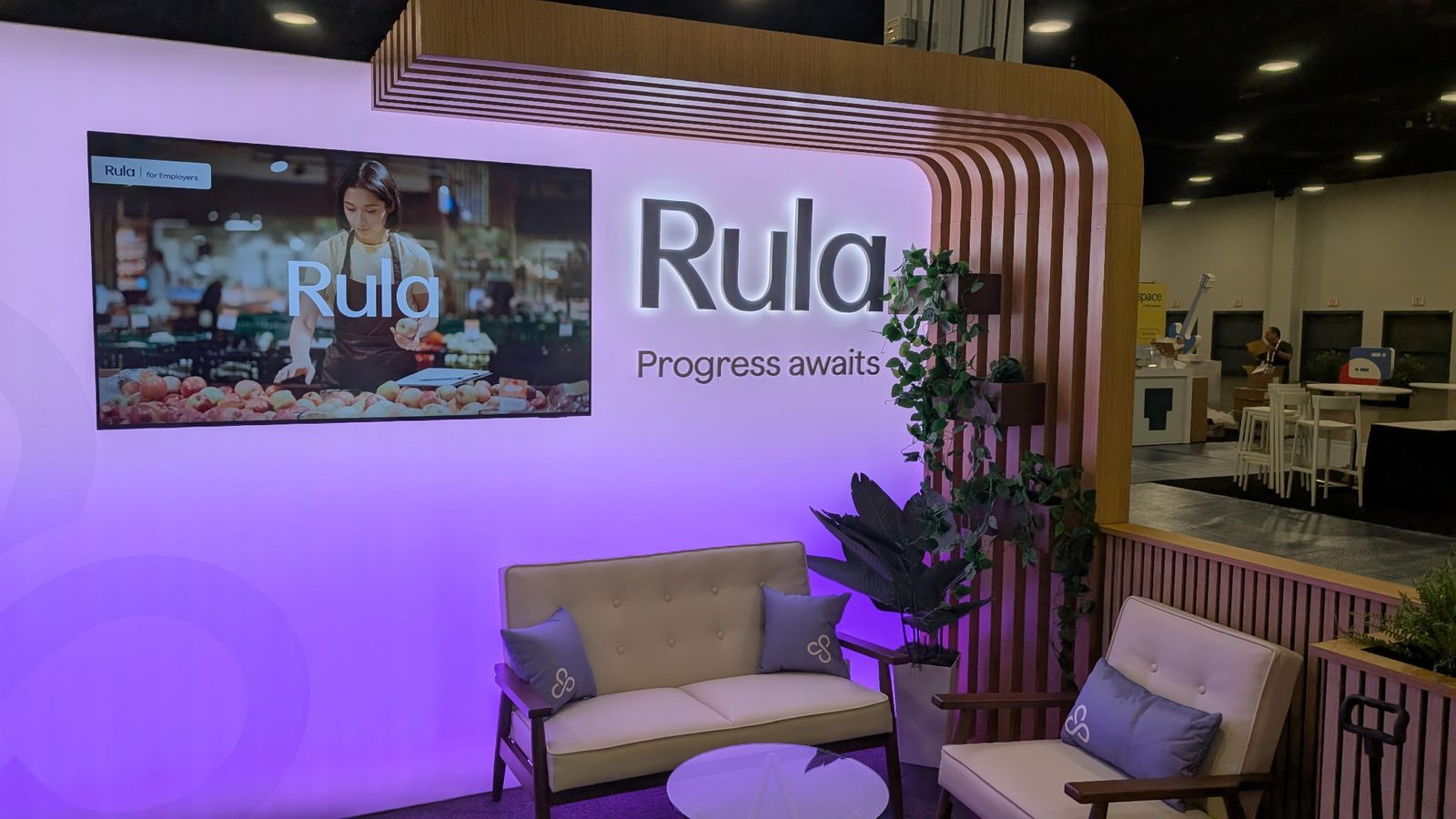
The most common booth emergency I see has nothing to do with a broken screen. It is a laptop on setup morning, a half-finished video, and an exhibitor who has just found out the file is in the wrong format. The doors open in two hours. Everyone is polite about it, and nobody is happy.
You can avoid almost all of it by sending your looping content ahead. After 25 years of setting up booths around Nashville, here is how I like to handle it and what I would put on your checklist.
Why we load your content on a media player
Your booth screen needs something to play from. A laptop can do the job, but a laptop sitting behind a monitor on a trade show floor is a bad idea. It gets bumped. It goes to sleep. A notification pops up over your logo. Someone's charger gets unplugged.
So we use a media player that sits behind the screen and does one thing: it plays your content on a loop, all day, until you tell it to stop. Nobody has to touch it. Nobody has to babysit it. Your booth staff can talk to visitors instead of watching the screen.
How to send it
You have two easy options:
USB drive. Drop it in the mail or hand it to us ahead of the show. We copy it, test it and keep your original safe. Email or a download link. Send the files or a shared folder link to bo@nashvillevisual.com. We download it, load it and check it on a real screen.
Either way, we load it on the media player, play it on a screen before it goes on the truck, and play it again once it is in your booth. Nothing goes out that has not been tested. That is the same rule we use for every mic and every cable.
The exhibitor checklist
Here is what I would gather before you send anything.
One finished video, or a short set of them. A loop works best when it runs a few minutes and then starts over. Visitors walk past at all hours, so the loop should make sense no matter where they catch it. Common file formats. MP4 is the safe choice. If your video team hands you something unusual, ask them to export an MP4 copy too. The right shape. Tell us whether your screen is horizontal or vertical, and how big it is. A video built for a wide screen looks small and boxed in on a tall one. Content that works without sound. Booth audio competes with the whole floor, and most of the time the screen plays quiet. Add captions or on-screen text so the message lands even on mute. If you want sound, tell us and we will plan it so it stays in your booth. Clear file names. "Final" and "Final_v2_REAL" are not helpful. Name each file in the order you want it to play. A backup copy. Keep your own copy on your own laptop, and send us the files in a way you can resend in a minute if something goes wrong. * Your booth details. Venue, booth number, show dates, the move-in window and who our contact is on the day.
Get it to us early
The show floor runs on deadlines. Exhibitor move-in has a window, and the convention center or hotel has its own rules for when gear can come through the dock. I would rather have your content a week early than the night before.
If we have your files early, we can check them, flag any problems and still leave time for your design team to fix them. If the content arrives the morning of setup, we can often make it work, but you lose that cushion. I have been on the wrong end of that math and I would rather you did not have to be.
Venue rules matter too. Music City Center, Gaylord Opryland and the Renaissance each have their own exhibitor manuals, with their own timing for deliveries and power. Read yours early, and let us know the dates it gives you. We build our delivery around those.
What we handle on the floor
Once your content is in, the rest is our job:
We deliver the screen, the stand and the media player to your booth before your deadline. We set everything up, run the cables out of sight and make sure the loop starts the way you want it to. We check the picture at the height people will see it and adjust if a light or a sightline is working against you. We stay reachable during the show. If something stops, you call and a person answers, not a ticket line. * We come back after the show closes and tear it all down.
If your design team is still tweaking the video on Monday and the show opens Wednesday, we can usually swap the file. Send the new version, tell us which file replaced which, and we will load it.
A short note on screen sizes
Most single booths I work on want one good display. Sizes run from 43 inches up to 90 inches, on a floor stand, and some exhibitors want a video wall or a touchscreen station for demos. Pick the size for how far visitors will stand from it. A big screen in a small booth overwhelms the space. A small screen in a big booth disappears.
If your gear list names a brand I do not carry, I will substitute an equivalent. Size and brightness are what matter to visitors, not the logo on the bezel.
Ready to get your booth squared away?
If you are exhibiting in Nashville, send me your show dates, your venue and a rough idea of the screen you want, and I will quote it myself. Then send your content ahead and let us worry about the media player.
Request a Quote, or call me at (615) 481-4887. I answer my own phone.