Most of what goes wrong at a convention gets decided before the truck leaves the shop. A deck that never arrived. A video that plays without sound. A speaker nobody told us about. None of it is hard to fix, as long as we hear about it early.
Here is what I ask planners to send ahead, what my crew brings, and what is worth carrying in your own bag.
What to send ahead
Send us these as soon as you have them, and send them again when something changes:
- Presentations. Final decks, with the file type named (PowerPoint, Keynote, PDF). If a deck has video inside it, send the video as its own file too.
- Videos. Any clip that has to play with sound, and where in the program it plays.
- The run of show. Doors, session start times, breaks, room flips. We build the tech plan around your clock, not ours.
- The speaker list. Names, which session each one is in, and who needs a handheld, a lapel or just the podium mic.
- Room and load-in details. Which room is the general session, which are breakouts, and when and where the crew can load in.
If your content is coming from a lot of different people, pick one person on your team to send us everything. One name, one email thread. It saves more time than any piece of gear.
What we provide
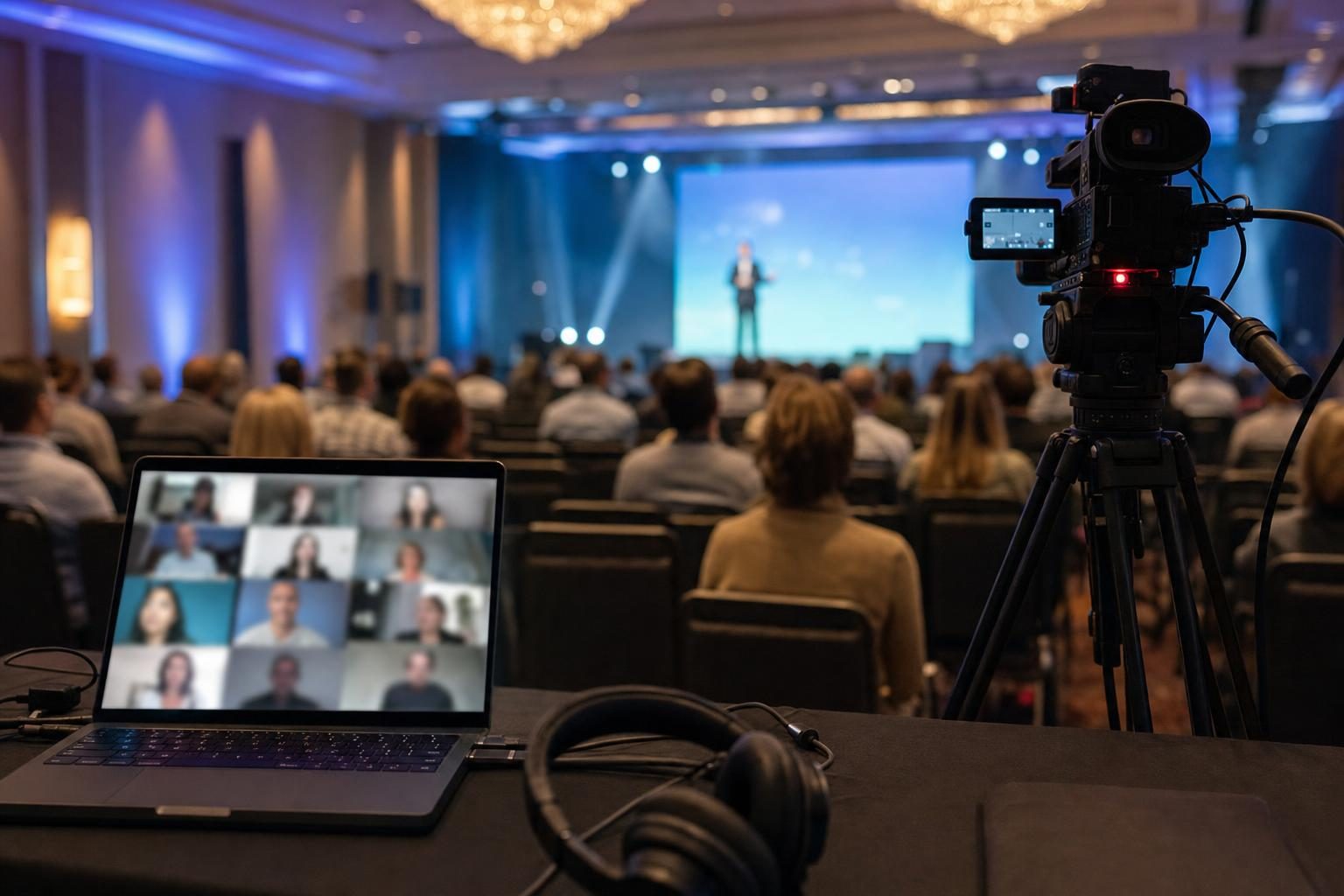
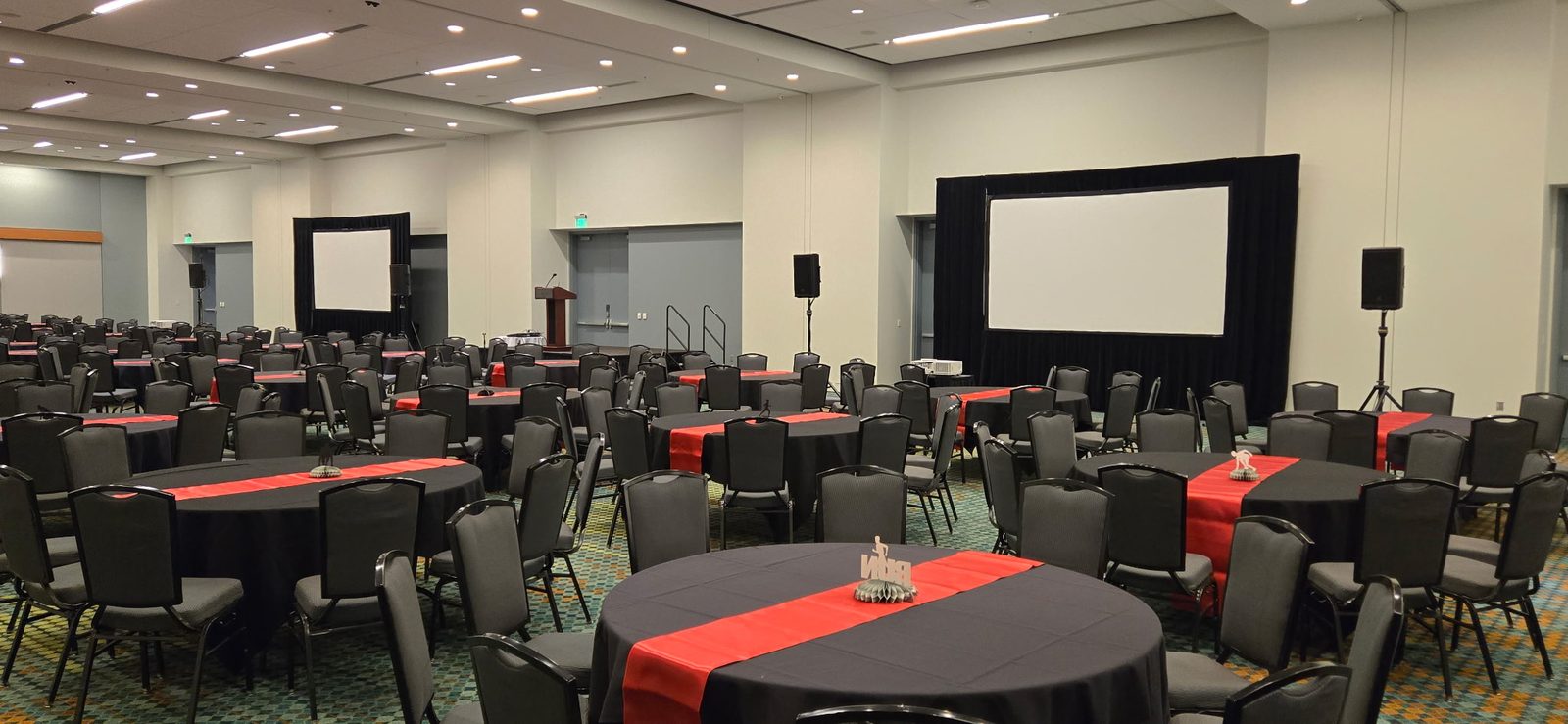
For a general session, the room usually needs more than a screen and a mic. A typical setup from my crew looks like this:
- Large-format screens (12 and 16 foot) and projectors around 6,000 lumens
- Video switching, so slides, video and a live camera can share the screen cleanly
- Wireless mic packages, often 6 channel for a general session
- Confidence monitors and speaker timers, so presenters can see their notes and their clock without turning around
- Show laptops when your content is sent ahead, so we are not plugging in a dozen different machines on stage
- Recording, if you want the session captured
- A tech table at the back of the room, with a producer on site to run it
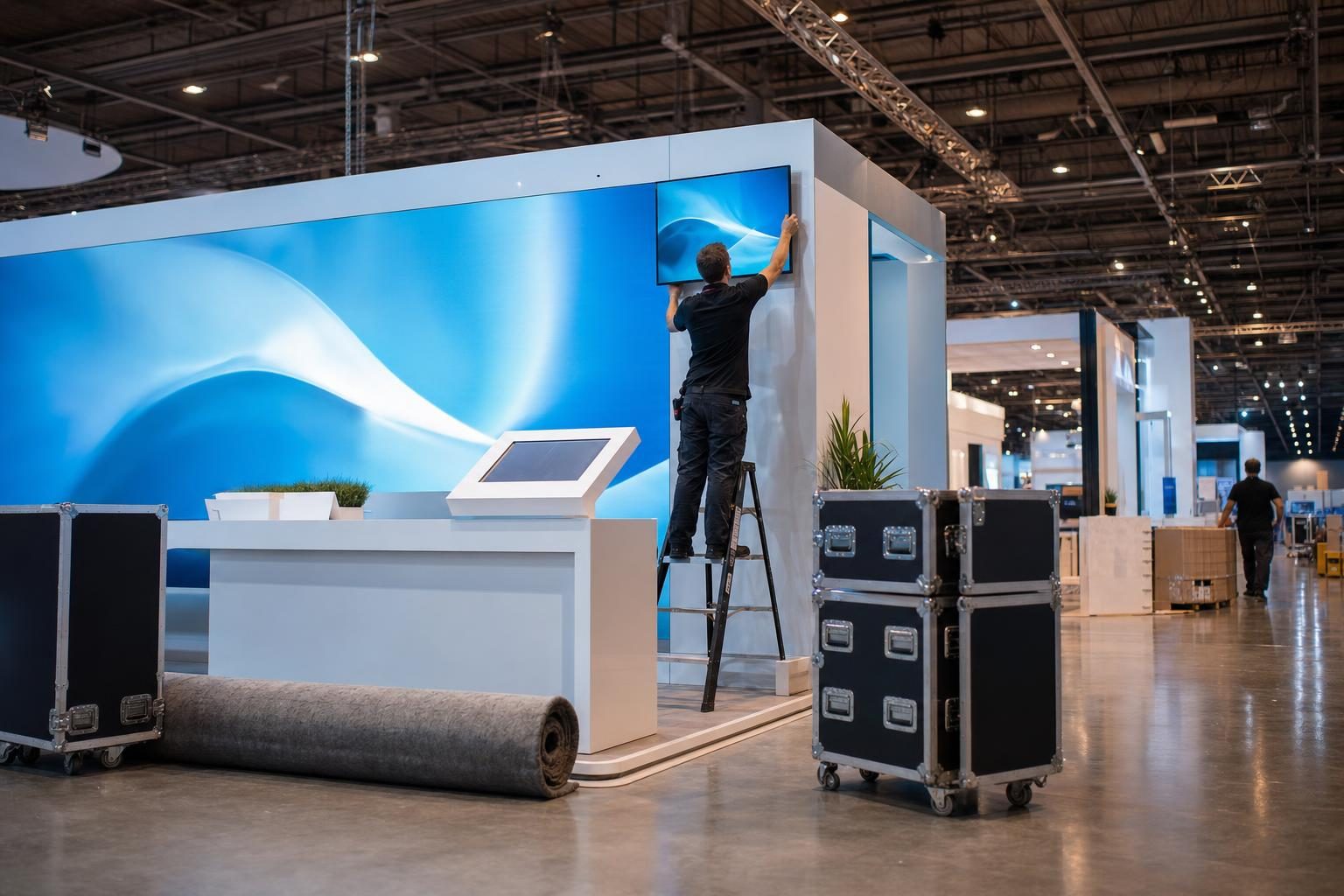
Every mic gets tested twice, once at the shop and again in the room before doors. My crew also walks the room before the show to check sightlines, power, the loading dock and where the backups go.
What to bring yourself
- A second copy of every deck on a USB drive. Yes, even though you sent it ahead.
- A printed run of show for the back table.
- A name and cell number for whoever can make decisions during the event.
Keep it simple. If a speaker shows up with a laptop and a new deck ten minutes before their session, we can handle it, but the show laptop and the sent-ahead file are the safer path.
Last-minute changes happen
Speakers swap, sessions run long, and a deck gets rewritten the night before. That is normal. Tell us the moment you know, and tell us which version is final. A file called "FINAL_v7" is only helpful if we know it replaced v6.
If your venue offers its own in-house AV, get a quote from both of us and compare. I quote every event myself, and I answer my own phone.
Ready to plan yours?
Send me the dates, the venue and a rough idea of how many rooms you have, and I will send back a quote. Request a Quote or call me at (615) 481-4887.