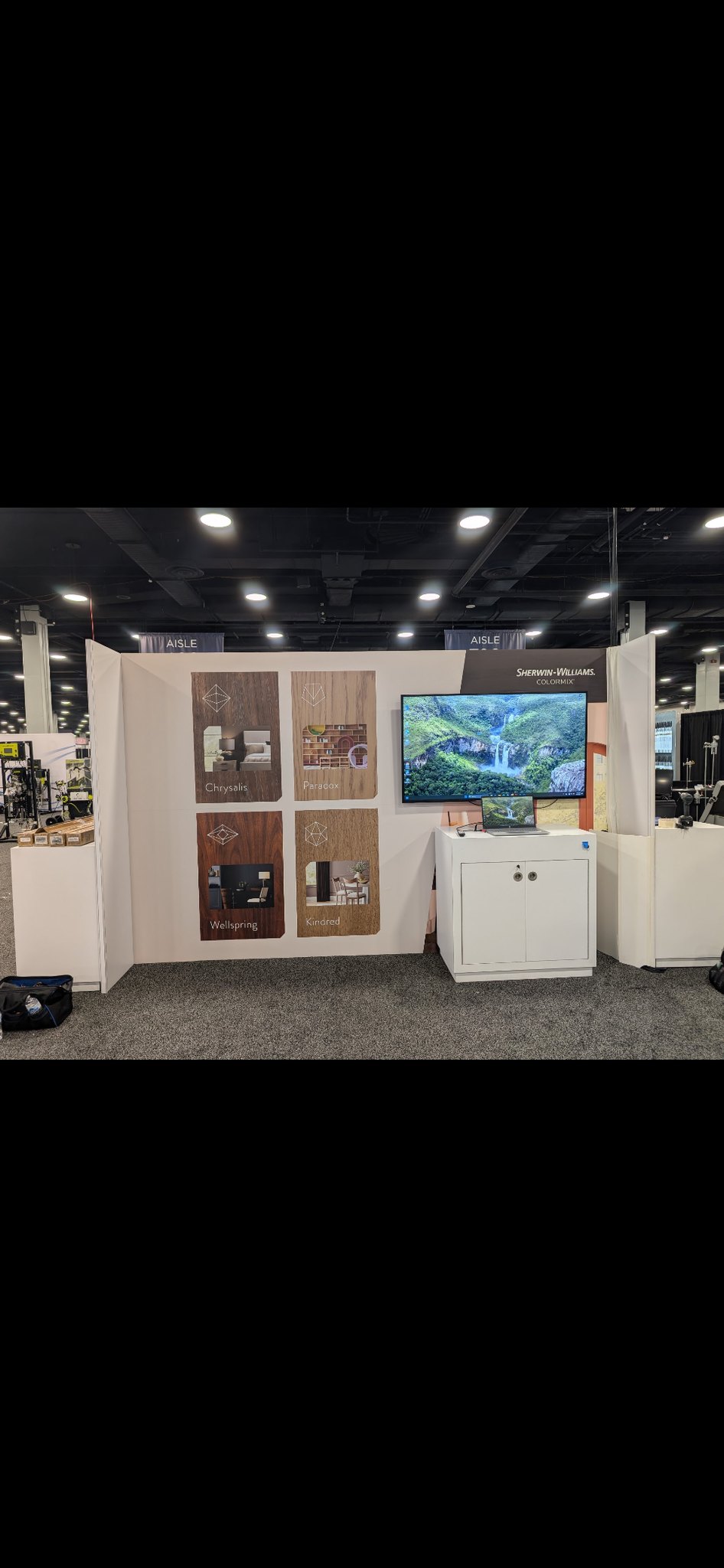
The exhibitor kit arrives, and it is forty pages long. Buried in it are three deadlines that decide whether your booth screen is on at nine o'clock on day one: when you order power, when your freight has to arrive, and when your crew can come through the dock. Miss one and the fix is rarely cheap and never fun.
I have set up booths in Music City Center, Gaylord Opryland and the Renaissance for 25 years. The buildings are different, but the questions are the same. Here is how I think about booth setup in each one, and what to settle before you ship anything.
Start with the exhibitor manual, not the gear list
Every one of these venues has its own exhibitor manual, with its own timing for deliveries, power and dock access. I cannot tell you the dates for your show, because they change by show and by year. What I can tell you is to read the manual the week it arrives, not the week before load-in, and to send me the dates it gives you. I build our delivery around those.
A few things to look for when you read it:
The move-in window for your booth. Not the show dates, the setup dates. They are not the same. The deadline for ordering power and internet. Where freight goes and who handles it. Shows usually have an official contractor for freight and material handling. The manual names them and sets the deadlines and rules. Anything about hanging items from the ceiling. That is a different process from anything that sits on the floor.
Electrical: order it, then test it
At Music City Center, power and internet have to be ordered ahead of time. The venue has real infrastructure, but a drop is not yours until you have ordered it. If you plan to hang anything from the ceiling, that needs approved drawings and a licensed contractor. None of this is hard if you plan for it. All of it is a problem if you find out the week before.
Here is the habit I would pass along to any exhibitor: a floor box on the show plan does not mean a live outlet at your booth. Order enough power for what you are actually running, and then test every outlet before you plug anything important into it.
When you send me your booth details, tell me what you ordered and where the drop sits relative to your screen. If the drop is on the far side of the booth from the display, I want to know before the truck is loaded, not after. We carry cable ramps and spare power strips, but a plan beats a workaround.
Delivery timing: three buildings, three different walks
Music City Center. The halls are big, so the route matters as much as the gear. Know which dock you are using, how long the push to your booth is, and when your load-in window opens. Your AV vendor should be able to tell you all three before the contract is signed. If yours cannot, that tells you something.
Gaylord Opryland. Opryland is its own small city. Distances between the dock and the exhibit space can be real, and the walk adds time to setup and tear-down. If you have more than one booth or more than one screen, build that walking time into the schedule.
The Renaissance. Smaller than the big convention halls, with its own quirks. Freight elevators are shared with the rest of the hotel, so timing matters. Ceilings are lower, which can limit how tall a booth display or a banner can go. Confirm the height before you promise a screen size.
If you are not sure what the rules are for outside vendors loading in at your show, ask the show's service desk. It is a short question, and the answer is worth having in writing.
What to know before you ship anything
Shipping is where small booth problems turn into expensive ones. A few rules I would follow:
Do not ship what you can rent here. A display on a floor stand, a media player and a speaker are easy to rent locally. Rented gear that is delivered and set up by my crew is gear you did not have to crate, label, track and pay to move. Label everything with your booth number, hall and show name. Boxes with only a company name get lost on a loading dock. Confirm freight deadlines in the manual, and then add a buffer. Shipments run late. Your booth does not get an extension. Send your content separately from your freight. Your looping video should never depend on a crate arriving on time. Send it to me on a USB drive or by email, and we load it on a media player. I wrote up the whole checklist in Exhibiting in Nashville? Send Your Looping Content Ahead. * Keep your own copy of everything. A backup on your laptop costs you nothing.
What my crew does on setup day
We deliver the screen, the stand and the media player to your booth before your deadline. We run the cables out of sight, set the loop the way you want it, and check the picture at the height people will actually see it. Every mic and every media player gets tested twice, once at the shop and again in the booth, before doors.
We stay reachable through the show. If a screen goes dark at two in the afternoon, you call, and a person answers. After the show closes, we come back and tear it all down, so you can go to dinner.
Customers tell me we match the venue's in-house AV on the result, at a much better rate. We follow each building's rules, and we work with the venue and the show contractor, not around them.
A short pre-show checklist
Send this to your AV vendor about two weeks before load-in:
Venue, hall and booth number Exact booth dimensions Your move-in window from the exhibitor manual What power you ordered and where the drop is Screen size you want, and whether it is horizontal or vertical How many people will use a microphone Where your content is coming from (USB, email or a link) A name and cell number for the person who can make decisions on site
If it arrives two weeks ahead, I can spec the booth properly. If it arrives the night before, we will still make it work, but you will have fewer choices.
Ready to plan your booth?
If you are exhibiting at Music City Center, Gaylord Opryland or the Renaissance, send me the venue, your dates and your booth size, and I will quote it myself. Request a Quote or call me at (615) 481-4887. I answer my own phone.