The email says, "We are hosting a dinner meeting for about 30 people, and we will have a few slides." That is a normal request, and it is almost never as simple as it sounds. Who is bringing the laptop? What kind of file is the deck? Is anyone presenting from a different computer? Is there a clicker?
I have set up AV for a lot of private-room dinners around Nashville and Middle Tennessee. The equipment is the easy part. What slows an evening down is the handoff: the file, the laptop, the cable and the person holding them. Here is what to bring, what to send ahead, and what we handle for you.
What we bring, so you do not have to
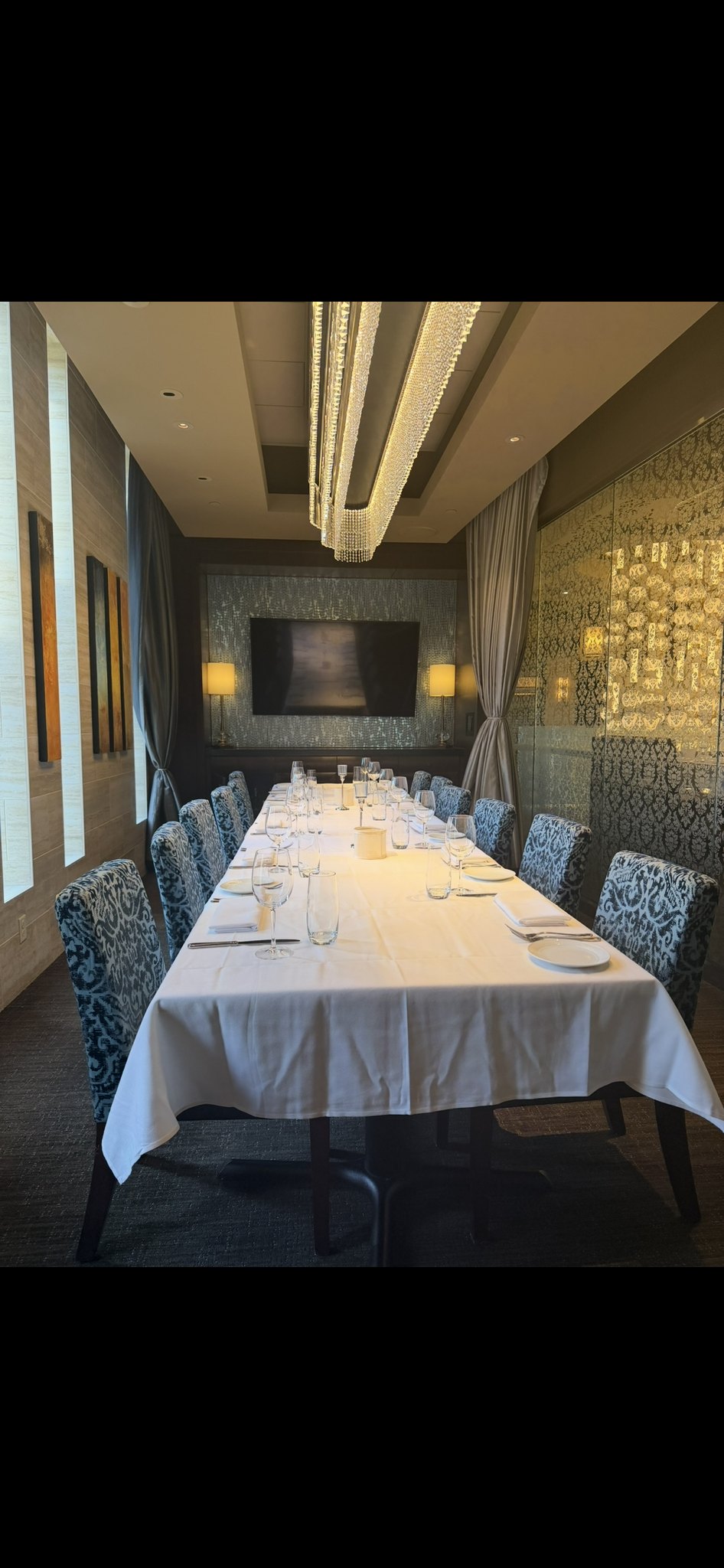
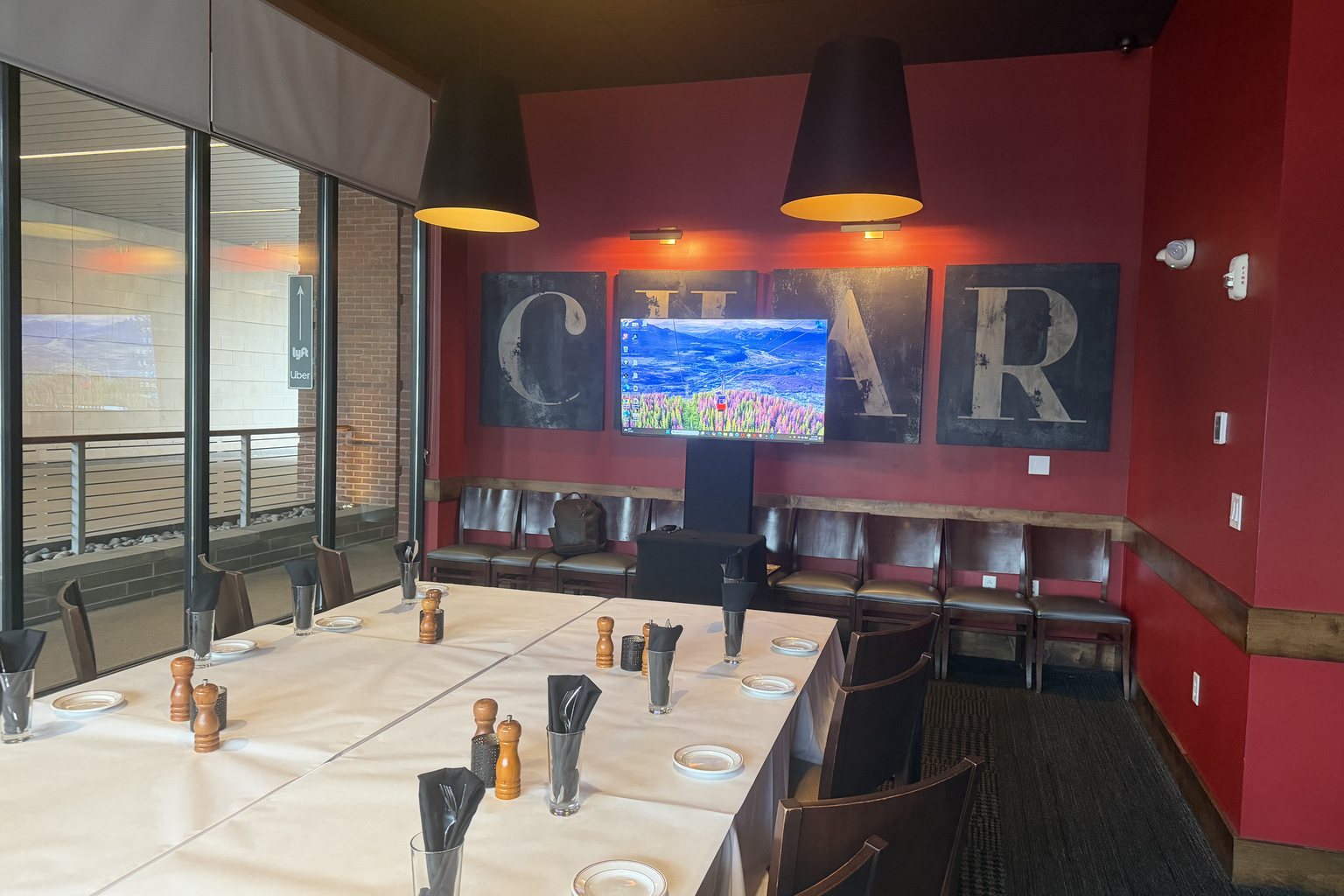
For a dinner meeting in a private room, we bring the projector, the screen and the sound. In a tight restaurant room that usually means a short-throw projector and a six foot screen, or a monitor on a stand when the room will not take a projector. We bring a podium mic, or a lapel or handheld wireless mic if your speaker likes to walk around. We bring the small mixer, the cables, the stands and the power.
You do not need to ask the restaurant whether they have a screen. Assume they do not, and assume we will not need theirs.
Option one: bring your laptop
This is the most common choice, and it works well when you plan for it. Bring your own laptop, the one the deck was built on, with the charger. Then check three things before the night:
Open the deck on that laptop the day before. Fonts, embedded videos and animations sometimes behave differently on another machine. Your own laptop is the one place you know it works. Bring the adapter your laptop needs. Many newer laptops have only USB-C ports. If yours does, pack the adapter you normally use to connect to a screen. We carry cables and adapters, but nothing beats the one you have already tested. * Turn off notifications. A message preview from a coworker, popping up on a six foot screen in front of your guests, is a classic. Switch on Do Not Disturb before you leave the house, not at the podium.
When you arrive, our crew will already be set up. We connect your laptop, check the picture and the sound, and leave a clear spot for you at the podium or the head of the table.
Option two: send the deck ahead
If you would rather carry nothing, send the deck to us ahead of the event and we will load it on our laptop. This is a good fit for a speaker who is arriving straight from a flight, or a host who has enough on their plate already.
A few things make this go smoothly:
Send it a few days early, not the afternoon of. That gives us time to open it, check it and ask questions if something looks off. Use a common format. A PDF is the safest. If the deck has video or animation, send the original file too, and tell us which slides have them. Send any videos as separate files. Do not rely on a link that needs a login or a good Wi-Fi signal. Restaurant Wi-Fi is built for guests checking their phones, not for streaming a video to a room. Keep a backup copy. Have the deck on a USB drive or in your email, so there is a second way to get to it if one fails.
We will also ask who is presenting. If three people are speaking, we want all three decks, in order, so the changeover takes seconds instead of minutes.
Do not forget the small things
A dinner meeting has a few small items that nobody remembers until the moment they are needed:
A presenter remote, or a plan for advancing slides. We can help if you do not have one. Just tell us. The run of show. A simple list of who speaks when, and when dinner is served. We will time the sound and the screen around it. Any music or video for the start. If you want something playing as guests arrive, send it ahead. The headcount and how the tables are laid out. It tells us where to put the screen and how loud the sound needs to be to reach the back table. * Remote guests. If someone is joining by video, tell us early, because that changes the setup.
What the evening looks like
Our crew arrives early, well before your guests. We walk the room and look at sightlines, power and where the servers will be moving. We set up, test the mic, check the picture and then check it all again. Every mic gets tested twice, once at the shop and once in the room.
We stay through the event. If the clicker stops working or a speaker needs the volume up, someone is right there. You do not have to track anyone down, and you do not have to call a phone tree. You call me, and I answer my own phone.
For smaller restaurant events, we usually collect the gear the next day, before the restaurant opens, so nobody is rolling cables while the last guests finish dessert.
A short checklist
Before your dinner meeting, run through this list:
Decide: your laptop, or send the deck ahead. Open the deck on the laptop you will use, at least a day before. Pack the charger and the adapter your laptop needs. Send us the deck, any videos and the speaker order a few days early. Share the headcount, the table layout and the run of show. Tell us the restaurant and the room, and when we can load in.
That is all it takes. The goal is a night where the screen is bright, the sound is clear and nobody thinks about the AV once. The best compliment we get is that nobody noticed us.
Hosting a dinner meeting in Nashville?
Tell me the restaurant, the date and roughly how many people you expect, and I will quote it myself.
Request a Quote, or call me at (615) 481-4887.