A booth monitor looks like the easiest piece of AV there is. One screen, one stand, one cable. Then show morning comes, the hall is loud, the freight is still being unloaded two aisles over, and that one screen is the only thing between your team and a booth that looks half finished.
Here is how we set a booth monitor, test it and leave it running, so your team can spend show day talking to visitors instead of crawling behind a display.
Before the truck leaves the shop
Most of the work happens before anyone sees the booth. Every monitor and media player gets powered up at the shop and checked. We load your content onto the player, play the loop start to finish, and listen for sound if there is any. If something has a history of acting up, it stays home. Nothing goes on the truck that has not been tested.
This is also why we ask you to send your content ahead, on a USB drive or by email. A loop that arrives the night before setup is a loop we cannot test properly. I wrote up the full checklist here: Exhibiting in Nashville? Send Your Looping Content Ahead.
Walking the booth first
When the crew gets to the hall, nobody unboxes anything right away. We walk the booth first. We look at three things:
Sightlines. Where will visitors be standing when they first see the screen? Where will your staff stand? A monitor facing the wrong aisle is a monitor nobody reads. Power. Where is the drop, and how far is it from the display? If the outlet sits on the far side of the booth, we plan the cable route before the stand goes down. * Foot traffic. Booths get bumped. We look for the spot where a stand will stay put and a cable will not become a trip hazard.
Setting the stand and the height
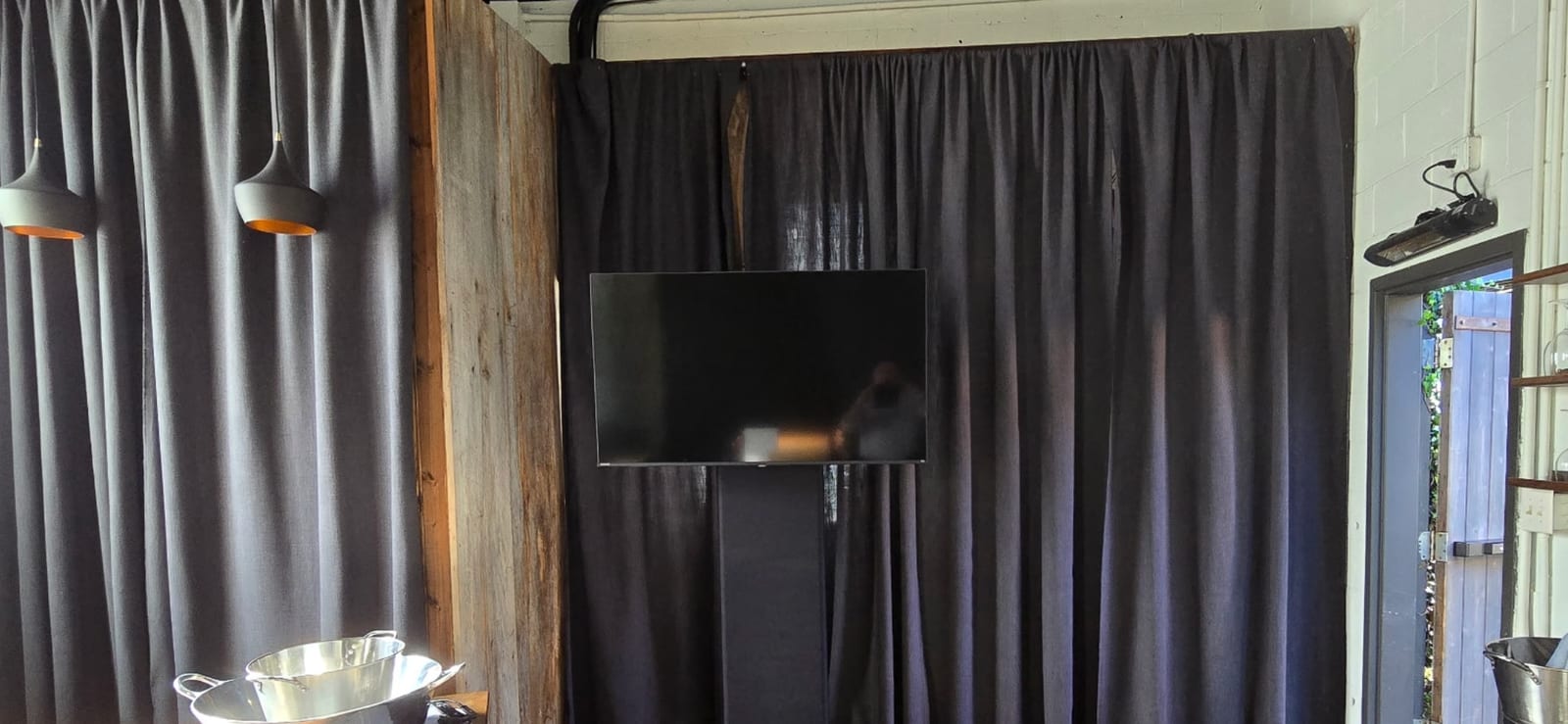
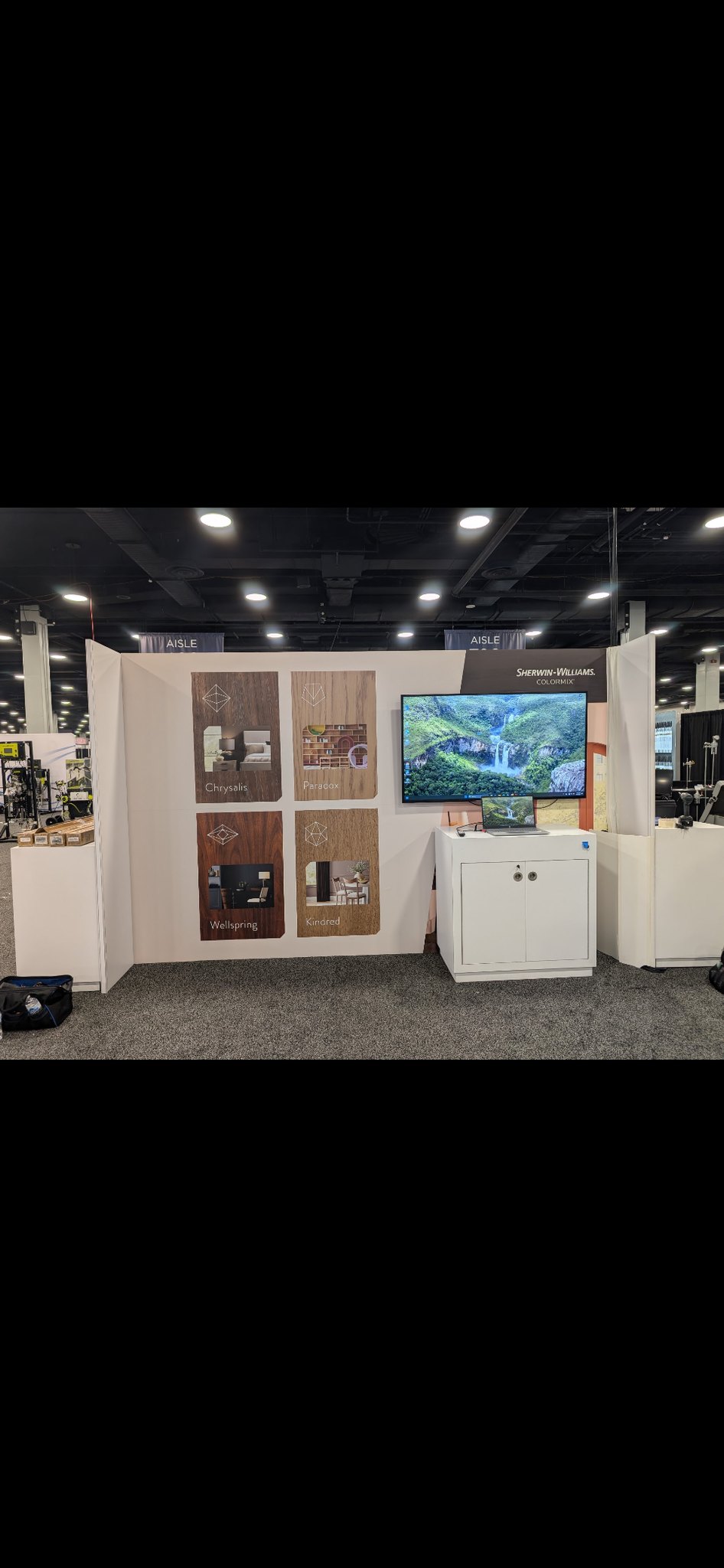
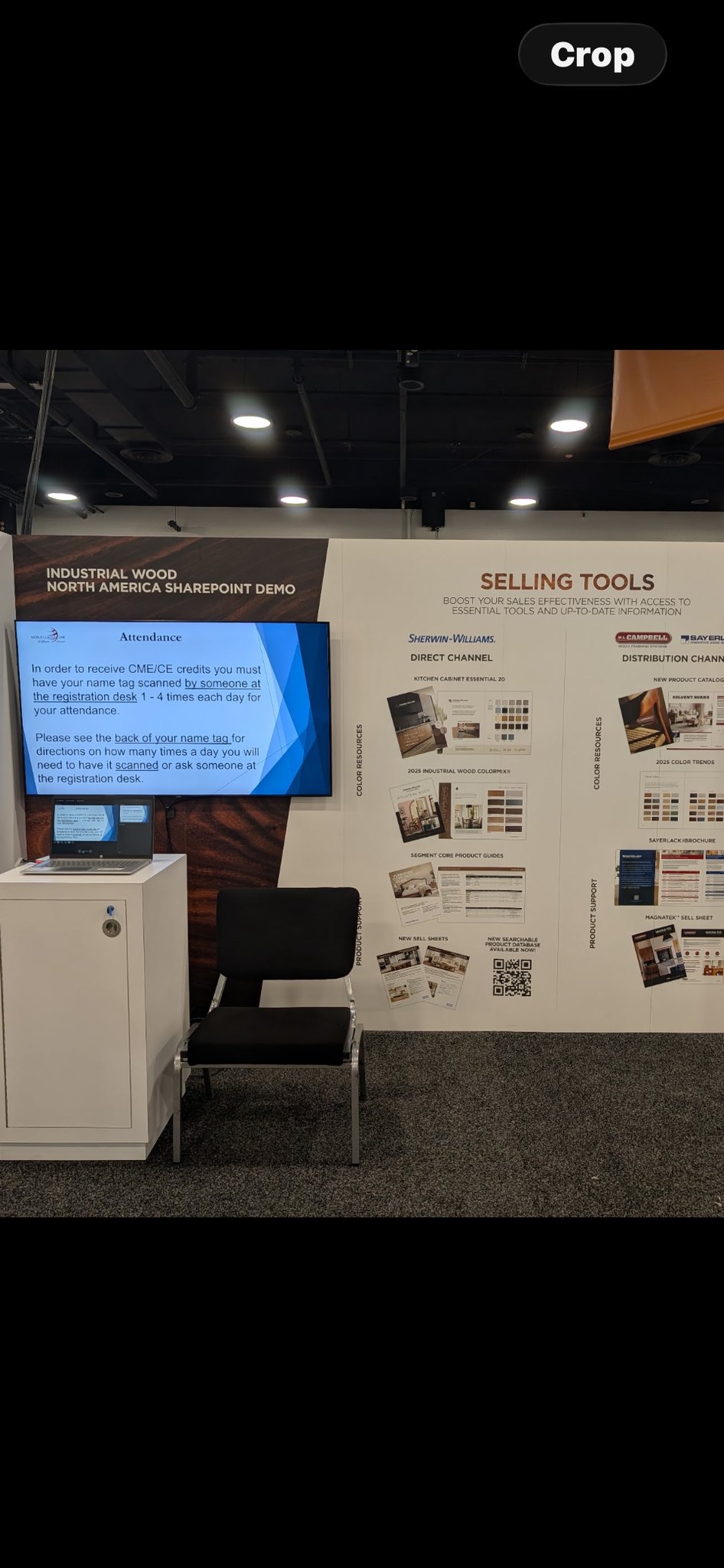
Monitors for booths usually run from 43 to 90 inches, on a floor stand. A single monitor on a stand is the most common booth setup we run, and it works well when it is done carefully.
A few things we check on every one:
The center of the picture sits near eye level for the people who will actually view it, not at the height that was easiest to mount. The stand base is stable and sits clear of the walkway. The screen is level and square to the aisle. The orientation matches your content. A vertical video on a horizontal screen leaves two black bars and wastes the display.
The media player and the cables
The media player goes behind the screen, out of sight, and loops your content with no one touching it. We run the cables out of the way, secure them, and tape down anything a person could step on. If the booth has a branded backdrop, we make sure the cabling does not show.
Then we test it. Not just "does it turn on," but the whole loop, from the first frame to the last, and back to the first. We check that the picture fills the screen, that nothing is cropped, and that the sound level suits a booth, which means loud enough for your visitors and quiet enough for the neighbors. Your neighbors are your coworkers for the week, and they will remember if your sound bothers them.
The second test, before doors
Same rule as our microphones: test it twice. The first test is at the shop. The second test is in the booth, with the real power, the real stand and the real content, before the hall opens. A monitor that worked in the shop can still behave differently in a hall with different power and different light.
If anything looks off, this is when we find it, and not when a visitor is standing in front of a black screen.
What you do on show day
Your job is simple: show up, switch on your lights and talk to people. The loop is already running. If you want to change the content, tell us and we will handle it. If the screen goes dark, call. I answer my own phone, and my crew is on site through the show.
When the show closes, we come back and tear it all down. You can go to dinner.
A quick checklist for exhibitors
If you want the setup to go smoothly, send these to us ahead of time:
Your venue, hall and booth number Your booth dimensions The screen size you want, and whether it runs horizontal or vertical Where your power drop sits in the booth Your content, on a USB drive or by email, with a backup copy on your own laptop A name and cell number for the person who can make decisions on site
If you are planning a booth at Music City Center, I also put together a shorter list here: Music City Center Booth AV Checklist.
Ready to plan your booth?
Tell me the venue, your dates and the size of your booth, and I will quote it myself. Request a Quote or call me at (615) 481-4887. When the booth runs well, nobody notices the AV. That is how we like it.